


Kuvaus
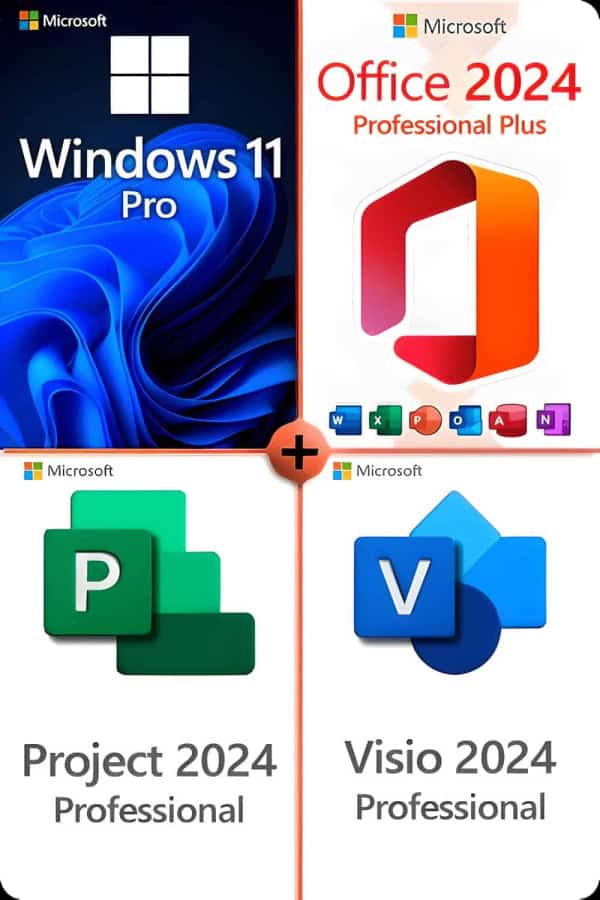
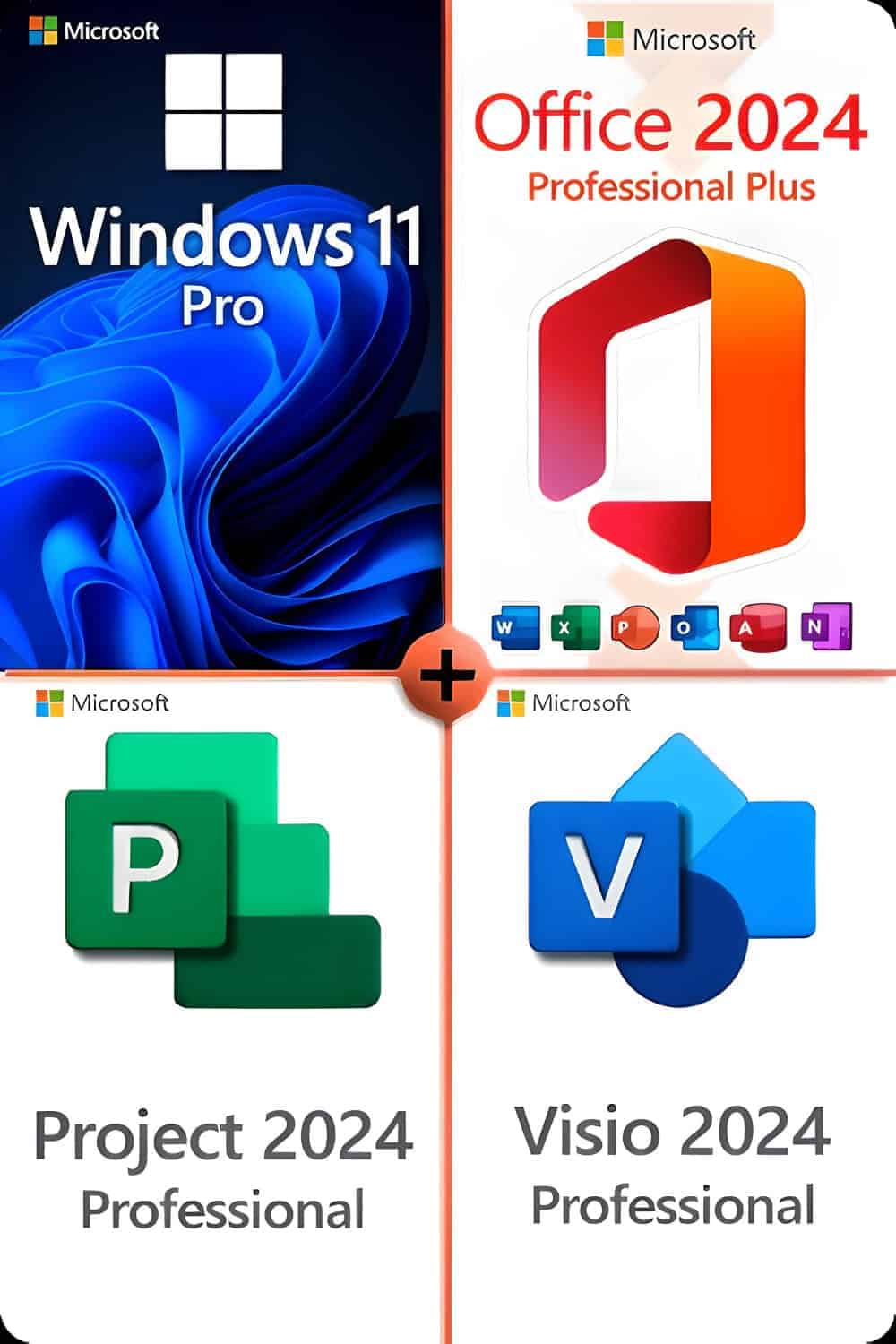
Microsoft Windows 11 Professional
Varmista, että olet valmis Microsoftin uusimpaan ja parhaaseen käyttöjärjestelmään!
Nämä ovat vähimmäisvaatimukset Windows 11:n asentamiseksi tietokoneeseen. Jos laitteesi ei täytä näitä vaatimuksia, et ehkä pysty asentamaan Windows 11:tä. Jos et ole varma, täyttääkö tietokoneesi nämä vaatimukset, voit käyttää PC Health Check -sovellusta yhteensopivuuden arviointiin (edellyttää Windows 10, klikkaa tästä ladataksesi).
| Prosessori: | 1 gigahertsin (GHz) tai nopeampi, 2 tai useamman ytimen taajuudella yhteensopiva 64-bittinen prosessori tai System on a Chip (SoC) |
| RAM: | 4 gigatavua (GB) |
| Varastointi: | 64 Gt tai suurempi tallennuslaite
Huomautus: Lisätietoja on jäljempänä kohdassa “Lisätietoja tallennustilasta Windows 11:n pitämiseksi ajan tasalla”. |
| Järjestelmän laiteohjelmisto: | UEFI, Secure Boot -yhteensopiva TPM |
| TPM: | Luotettu alustamoduuli (TPM) versio 2.0 |
| Näytönohjain: | Yhteensopiva DirectX 12:n tai uudemman kanssa WDDM 2.0 -ohjaimen näytöllä |
| Näyttö: | Teräväpiirtoinen (720p) näyttö, jonka diagonaali on yli 9 tuumaa, 8 bittiä väriavaruutta kohti internet |
| Internet-yhteys ja Microsoft-tilit: | Windows 11 Professional -versio vaatii internetyhteyden ja Microsoft-tilin laitteen ensimmäisen käytön yhteydessä tehtävän asennuksen loppuun saattamiseksi.
Laitteen siirtäminen pois Windows 11 Home S-tilasta edellyttää myös internet-yhteyttä. Kaikissa Windows 11 -versioissa tarvitaan internetyhteys päivitysten tekemiseen ja joidenkin ominaisuuksien lataamiseen ja hyödyntämiseen. Joitakin ominaisuuksia varten tarvitaan Microsoft-tili. |
Päivityksiin voi liittyä ajan myötä lisävaatimuksia, samoin kuin vaatimuksia käyttöjärjestelmän tiettyjen ominaisuuksien käyttöön ottamiseksi.
Jotkin Windows 11 Professionalin ominaisuudet asettavat vaatimukset, jotka ylittävät edellä mainitut vähimmäisvaatimukset. Alla on lisätietoja tärkeimpien ominaisuuksien vaatimuksista:
- 5G-tuki vaatii 5G-yhteensopivan modeemin.
- Automaattinen HDR vaatii HDR-monitorin.
- BitLocker To Go vaatii USB-muistitikun (saatavilla Windows Pro- ja sitä uudemmissa versioissa).
- Hyper-V-asiakas vaatii prosessorin, jossa on toisen tason osoitteenmuunnosominaisuudet (SLAT) (saatavilla Windows Pro -versiossa ja sitä uudemmissa versioissa).
- Cortana vaatii mikrofonin ja kaiuttimen ja on tällä hetkellä saatavilla Windows 11:ssä Australiassa, Brasiliassa, Kanadassa, Kiinassa, Ranskassa, Saksassa, Intiassa, Italiassa, Japanissa, Meksikossa, Espanjassa, Yhdistyneessä kuningaskunnassa ja Yhdysvalloissa.
- Suora tallennus vaatii NVMe SSD -aseman pelien tallentamiseen ja suorittamiseen, jotka käyttävät “Standard NVM Express Controller” -ohjainta ja DirectX12 GPU:ta, joka tukee Shader Model 6.0:aa.
- DirectX 12 Ultimate on saatavilla tuettujen pelien ja grafiikkapiirien kanssa.
- Läsnäolo vaatii anturin, joka pystyy havaitsemaan ihmisen etäisyyden laitteesta tai aikomuksen olla vuorovaikutuksessa laitteen kanssa.
- Älykäs videoneuvottelu vaatii videokameran, mikrofonin ja kaiuttimen (äänilähtö).
- Moniääniavustaja (MVA) vaatii mikrofonin ja kaiuttimen.
- Snap kolmisarakkeiset asettelut edellyttävät vähintään 1920 pikseliä leveää näyttöä.
- Mykistäminen/ mykistämisen poistaminen tehtäväpalkista vaatii videokameran, mikrofonin ja kaiuttimen (äänilähtö). Sovelluksen on oltava yhteensopiva tämän ominaisuuden kanssa, jotta äänen mykistys/mykistyksen poistaminen voidaan ottaa käyttöön.
- Spatial Sound edellyttää tukevaa laitteistoa ja ohjelmistoa.
- Joukkueet vaatii videokameran, mikrofonin ja kaiuttimen (äänilähtö).
- Kosketa edellyttää näyttöä tai monitoria, joka tukee monikosketusnäyttöä.
- Kahden tekijän todennus vaatii PIN-koodin, biometrisen tunnistuksen (sormenjälkitunnistin tai valaistu infrapunakamera) tai Wi-Fi- tai Bluetooth-yhteensopivan puhelimen käytön.
- Puheella kirjoittaminen vaatii tietokoneen, jossa on mikrofoni.
- Wake on Voice vaatii Modern Standby -virtalähteen ja mikrofonin.
- Wi-Fi 6E vaatii uuden WLAN IHV -laitteiston ja -ajurin sekä Wi-Fi 6E -yhteensopivan AP/reitittimen.
- Windows Hello vaatii lähisäteilyn (IR) kuvantamiseen konfiguroidun kameran tai sormenjälkitunnistimen biometriseen todennukseen. Laitteet, joissa ei ole biometrisiä antureita, voivat käyttää Windows Helloa PIN-koodilla tai kannettavalla Microsoft-yhteensopivalla turva-avaimella.
- Windows-projektio vaatii näytönohjaimen, joka tukee Windows Display Driver Model (WDDM) 2.0 -mallia, ja Wi-Fi-sovittimen, joka tukee Wi-Fi Direct -tekniikkaa.
- Xbox (sovellus) vaatii Xbox Live -tilin, joka ei ole saatavilla kaikilla alueilla. Ajantasaisimmat tiedot saatavuudesta löydät kohdasta Xbox Live -maat ja -alueet. Jotkin Xbox-sovelluksen ominaisuudet edellyttävät aktiivista Xbox Game Pass -tilausta. Lisätietoja passista.
Projekti 2024 Professional
Suorituskykyinen Microsoft Project Professional 2024 Edition sisältää laajennettuja toimintoja ja uusia liitäntöjä MS SharePointiin, Project Serveriin ja Skypeen. Ohjelmisto hyödyntää täysin Windows 10 tai 11 -käyttöjärjestelmän lukuisia etuja, mutta sitä ei tueta vanhemmissa Windows-versioissa. MS Project Professional 2024 on suunnattu ensisijaisesti yritysten projektipäälliköille, jotka suunnittelevat, hallinnoivat, dokumentoivat ja myöhemmin analysoivat yksittäisiä projektejaan.
Office 2024 Professional
Microsoft Officen käyttäjille, jotka käyttävät kaikkia sovelluksia kotona tai toimistossa, Office 2024 Professional Plus Edition on hyvä valinta. Kaikki tärkeät ohjelmat ovat mukana: Word, Excel, Outlook, PowerPoint ja Access. OneNote on nyt ladattavissa Windows Storesta, joten voit tehdä muistiinpanoja nopeasti ja asettaa ne pilven kautta saataville kaikkiin laitteisiin. Laajan ohjelmavalikoiman vuoksi Professional Plus -versio on suunnattu ensisijaisesti henkilöille, jotka työskentelevät kotona, kotitoimistossa tai jotka etsivät toimistosta tehokasta ja luotettavaa ratkaisua asiakirjojen, taulukoiden jne. järjestämiseen.
- Sana: Luo ammattilaatuisia tekstiasiakirjoja hetkessä.
- Excel: Älykäs taulukkolaskentaohjelma tiedonhallintaa varten.
- PowerPoint: Luo vaikuttavia dynaamisia esityksiä.
- OneNote: Digitaalinen muistikirjasi.
- Outlook: Viestintä on tehty helpoksi.
- Pääsy: Tietokantaohjelmointi selainpohjaisia sovelluksia varten.
Tärkeä huomautus: Tämä Office-versio ei EI sisällyttää Joukkueet!
Visio 2024 Professional
Microsoft Visio Professional 2024 on uusin sukupolvi Microsoftin suositusta ohjelmistosta kaavioiden ja visualisointien luomiseen ja muokkaamiseen. Visio Professional soveltuu erityisesti yrityksille, sillä useat tiimin tai osaston käyttäjät voivat työskennellä kaavioiden parissa samanaikaisesti. Käytettävissä on monia käyttöliittymiä valmiiden visualisointien jakamiseen sekä sisäisesti että ulkoisesti valituille henkilöille. Microsoft on työskennellyt intensiivisesti niiden mallien ja muotojen parissa, jotka saavat Visiossa jatkuvaa käyttöä. Myös kaavioiden tyylejä on parannettu, jotta ne olisivat visuaalisesti vaikuttavampia ja samalla helpommin luettavia. Microsoft Visio Professional 2024:n myötä saat myös mahdollisuuden syöttää tietoja olemassa olevaan visualisointiin reaaliajassa.